Most automation decisions start in the wrong place.
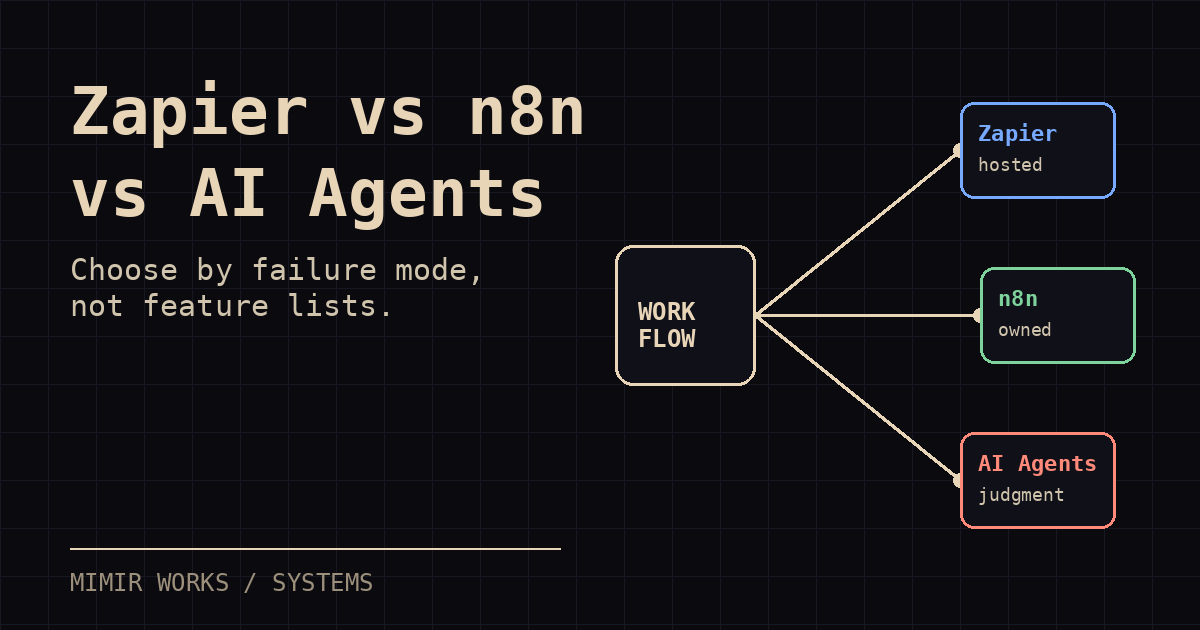
The question is not whether n8n is better than Zapier, or whether custom AI agents are more powerful than both. The question is what kind of failure you can afford.
Zapier fails by hiding too much until a workflow gets expensive or brittle. n8n fails by making you own infrastructure and edge cases sooner. Custom AI agents fail by turning product work into systems work before the workflow is stable enough to deserve it.
I use all three patterns. I also leave some workflows manual. That is usually the best decision.
This is the decision tree I use when a small team asks what to automate next.
Quick answer
Use Zapier when the workflow is common, low-risk, and already covered by mainstream SaaS connectors. Use n8n when the workflow is valuable enough to own, needs custom branching or webhooks, and deserves visible retries. Use custom AI agents when the workflow needs judgment, memory, tools, auditability, and explicit authority boundaries.
Keep the work manual when the process is still changing. A checklist beats a fragile automation until the workflow stabilizes.
Decision summary:
- Zapier: easiest hosted setup, largest app catalog, least ownership. Avoid it when the workflow needs deep inspection, custom state, or tight control.
- n8n: better control, self-hosting, custom logic, and visible execution history. Avoid it when the volume is too low to justify maintenance.
- Custom AI agents: best for recurring operational roles that need judgment, memory, tool use, and review gates. Avoid them when you cannot define authority and failure response.
- Manual: best for unstable workflows, unclear approvals, and low-volume work. Avoid staying manual after the same trusted output repeats every week.
Start with the workflow shape
Before picking a tool, map the work in plain language.
I want five facts on paper:
- Trigger: what starts the work
- Inputs: which systems, files, messages, or people supply context
- Decision points: where judgment enters
- Output: what artifact, update, message, or action must exist at the end
- Failure cost: what breaks if the workflow runs wrong, late, or twice
If you cannot describe those five things, do not buy software yet. You do not have an automation problem. You have an operations design problem.
A stable workflow with low judgment fits hosted automation. A stable workflow with messy integrations fits self-hosted automation. An unstable workflow with real judgment usually needs a human-in-the-loop system before it needs agents.
When Zapier fits
Zapier fits when the workflow is common, low-risk, and connected to mainstream SaaS tools.
Examples:
- Send a Typeform response to Slack
- Create a CRM task when a Calendly meeting is booked
- Copy a new Stripe customer into a Google Sheet
- Send a simple follow-up email after a form submission
- Route a support request based on a few fixed fields
This is the right starting point for many teams. Zapier has a large app catalog, hosted execution, simple setup, and fewer operational chores. If the workflow needs to run tomorrow and the downside of a missed edge case is small, hosted automation is often the correct answer.
The tradeoff is control.
Once the workflow becomes stateful, conditional, or expensive at volume, the abstraction starts to leak. You find yourself building around task limits, app connector quirks, missing API fields, and error states that are hard to inspect. The tool still works, but the workflow no longer feels owned.
My rule: use Zapier when the workflow is boring and the integration path is already paved.
Do not use it as the control plane for your business.
When n8n fits
n8n fits when the workflow is important enough to own, but not important enough to rebuild from scratch.
That is a large category.
The self-hosted version gives you more control over credentials, branching, retries, custom code, webhooks, and internal APIs. You can inspect the graph. You can see where state moves. You can put the workflow closer to the systems it touches.
Good n8n candidates:
- Weekly reporting rollups from multiple tools
- CRM enrichment flows with custom scoring logic
- Internal alerting that needs retries and audit trails
- Content operations pipelines that touch a vault, CMS, and queue
- Lead intake workflows where routing rules change often
n8n is also a good bridge between no-code automation and agent systems. You can put deterministic steps in n8n, then call an LLM only where judgment is useful: summarization, classification, extraction, rewrite, or routing.
That division matters.
A lot of teams ask an agent to do work that a workflow engine should do. The result is slower, more expensive, and harder to debug. Let the workflow engine move data. Let the model handle ambiguity. Keep the boundary visible.
The cost of n8n is ownership. Someone has to run it, patch it, back it up, watch failed executions, manage credentials, and keep workflows from turning into visual spaghetti.
My rule: use n8n when the workflow is valuable, inspectability matters, and you can tolerate owning the runtime.
When custom AI agents fit
Custom agents fit when the workflow has judgment, memory, tools, and accountability requirements that a normal automation graph cannot express cleanly.
Examples:
- A research agent that reads sources, writes a brief, asks for review, and updates a tracker
- A content operator that monitors signals, drafts posts, requests specialist review, and queues publication after consensus
- A finance agent that categorizes anomalies but must ask before moving money
- A support triage system that needs customer history, product context, and escalation rules
- A multi-step outbound system that researches accounts, prepares messages, logs decisions, and keeps humans in approval loops
The key difference is not that an agent calls an LLM. Zapier and n8n can call LLMs too.
The difference is operational shape. A custom agent has a role, a memory boundary, a tool contract, a review path, and an execution log. It can work across sessions. It can pause when risk crosses a threshold. It can coordinate with other agents or humans.
The system prompt should encode the agent's role, allowed tools, forbidden actions, escalation thresholds, and logging requirements before the agent ever touches production work.
That is useful when the work looks less like "move this field there" and more like "operate this process until the state changes."
It is also expensive in engineering attention.
You need prompts, permissions, tool wrappers, state storage, retries, traces, review gates, and kill switches. You need to know which actions are reversible and which are not. You need to design around partial failure because agents fail in stranger ways than workflow engines.
My rule: build custom agents only after you can name the job, the authority boundary, and the failure response.
If you cannot say what the agent is allowed to do without asking, you are not ready to run it unattended.
The fourth option: do nothing yet
This is the option teams skip because it feels passive.
It is not passive. It is often the right engineering decision.
Do nothing when:
- The workflow changes every week
- The task volume is too low to justify maintenance
- The data sources are not clean
- The approval path is political, not operational
- The team has not agreed what "done" means
- A wrong automated action would create more work than the manual process
Automation compounds process quality. It also compounds process debt.
If the current process is unclear, automation makes the confusion faster. A manual checklist, a shared queue, or a better intake form can outperform a fragile agent system for months.
I like temporary manual systems because they expose the real requirements. After two weeks of running the checklist, you know which steps are stable, which decisions are judgment calls, and which fields people never fill out correctly.
Then you can automate the stable part.
A practical decision tree
Use this sequence before picking a tool.
- Is the workflow stable?
If no, keep it manual or semi-manual. Write the checklist first.
- Is the workflow mostly moving data between common SaaS tools?
If yes, start with Zapier.
- Does the workflow need custom branching, internal APIs, webhooks, or inspectable retries?
If yes, use n8n or a similar workflow engine.
- Does the workflow need judgment, memory, tool use, auditability, and explicit authority boundaries?
If yes, consider a custom agent system.
- Would a wrong action create financial, legal, customer, or reputational damage?
If yes, add a human approval gate before any external write. That applies no matter which tool you use.
This tree keeps the decision grounded. It also prevents the common mistake: using agents as a status symbol instead of a control system.
Cost is not just subscription price
Zapier looks cheap until task volume rises or workflows multiply. n8n looks cheap until you price the person maintaining it. Custom agents look cheap in token spend until you include review time, debugging, retries, and the cost of wrong outputs.
I separate cost into five buckets:
- Platform cost: subscriptions, hosting, paid connectors
- Model cost: tokens, embeddings, reruns, evaluations
- Operator cost: human review, approvals, exception handling
- Maintenance cost: broken APIs, credential rotation, schema changes
- Failure cost: duplicate sends, bad CRM updates, missed handoffs, wrong customer messages
The last bucket matters most.
A $30 automation that silently corrupts CRM data is not cheaper than a $500 system with clear review gates. A custom agent that saves two hours but creates one untrusted output per day is not done. It is a liability with better branding.
I care less about theoretical automation ROI than about operational confidence. Can the team see what happened? Can they replay the decision? Can they stop the system before damage spreads?
If not, the tool is too opaque for the job.
My default architecture
For small teams, I usually start with a layered system:
- Manual checklist for unstable steps
- Zapier for simple SaaS handoffs
- n8n for inspectable workflow glue
- LLM calls only at judgment points
- Custom agents only for recurring operational roles
- Human approval gates before external writes
This avoids platform religion.
The goal is not to become a Zapier shop, an n8n shop, or an agent-first shop. The goal is to put each workflow at the lowest level of machinery that can run it safely.
A lead-routing flow might start in Zapier. When it needs enrichment, scoring, and retries, move it into n8n. When it needs account research, memory, and a reviewer loop, wrap the deterministic workflow in an agent role.
That sequence is boring. It works.
Warning signs you picked the wrong path
You picked Zapier too late if every change requires a workaround, the run history cannot explain failures, and billing grows faster than value.
You picked n8n too early if the workflow has three executions per month and nobody checks failed runs.
You picked agents too early if the agent spends most of its time deciding what the process should be.
You picked manual work too long if the same person repeats the same low-judgment task every week and everyone trusts the expected output.
The fix is not shame. Move the workflow to the next level when the current level stops matching the shape of the work.
The answer I give clients
If you need one visible operational win this month, start narrower than your ambition.
Pick one workflow with a clear trigger, a clear output, and a failure cost you can tolerate. Build it in the simplest system that gives you enough visibility. Add AI only where fixed rules break down. Add agents only when the work needs an operator, not a connector.
If you are deciding which workflows deserve automation, map failure cost before picking tools. That one step saves more money than most platform comparisons.
Most teams do not need an AI transformation. They need a clean intake path, fewer manual handoffs, better reporting, and one workflow that proves the operating model.
That is where I start.
Read next: Self-Hosted AI Automation With n8n and What It Actually Costs to Run AI Agents.
Deadline migration services:
- Pipedrive Zapier V1 API Migration — July 31, 2026
- OpenAI Assistants to Responses API Migration for Zapier — August 26, 2026